
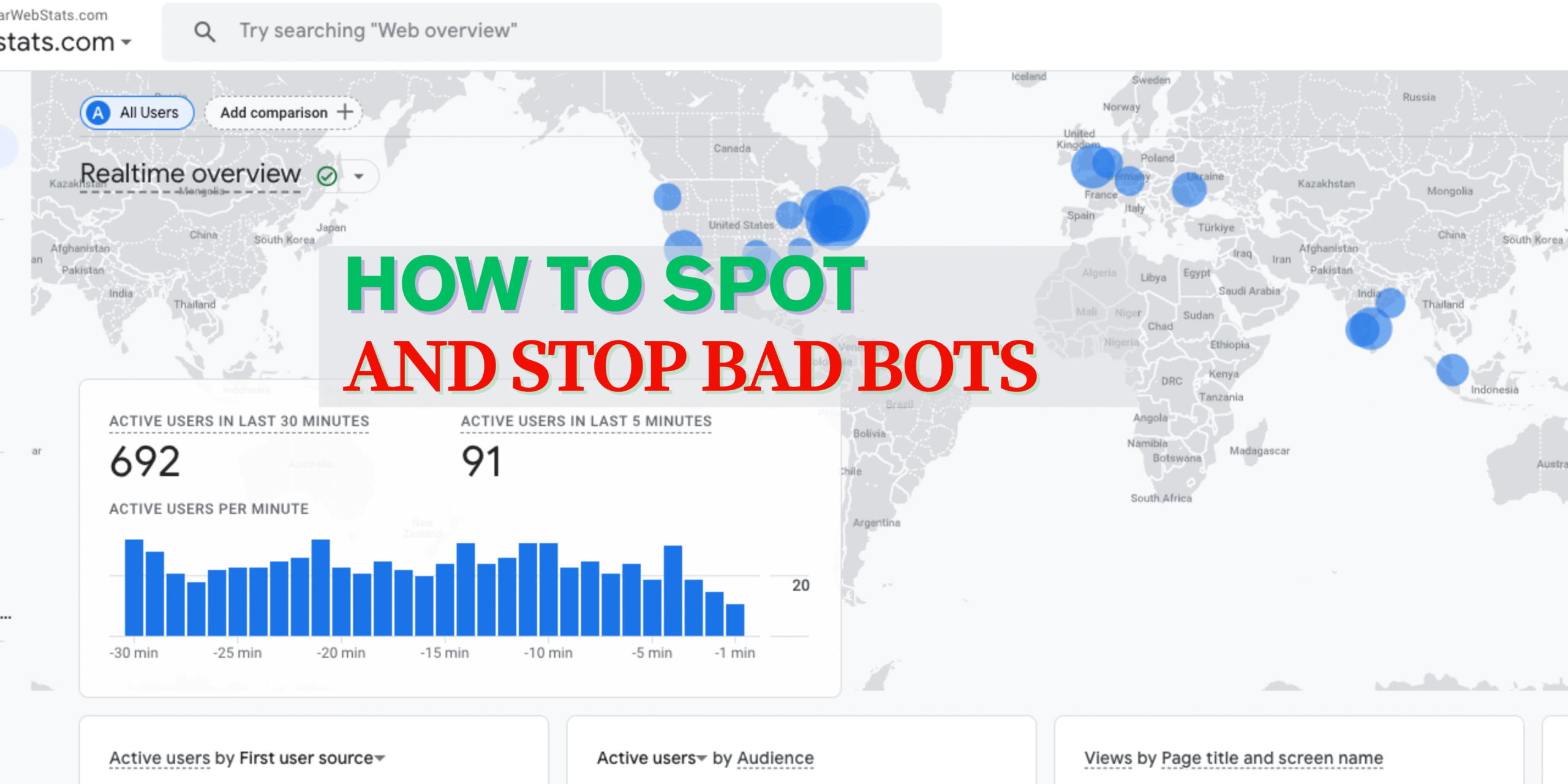
If you’ve been running a website or ads online, you’ve probably heard about bot traffic — visits to your site made by automated programs instead of real people. Some bots are harmless (or even helpful), while others can mess up your stats, waste your ad budget, or try to harm your site.
The good news? Google Analytics can help you spot bot traffic and clean up your reports so you get a more accurate view of your real visitors.

What Is Bot Traffic?
A “bot” is a program that automatically visits websites. Some examples:
Good bots – Search engine crawlers like Googlebot (help your site appear in search results) and SEO tools like Ahrefs.
Bad bots – Spam bots, fake ad clickers, scrapers that steal content, or bots that fill forms with fake info.
Fun fact: Around 40% of all internet traffic comes from bots. You can’t completely avoid them, but you can keep them from messing with your Google Analytics data.
How to Spot Bot Traffic in Google Analytics.
Here are some common signs of bad bots:
Sudden Traffic Spikes
If your traffic jumps overnight but you didn’t run a campaign, get influencer shoutouts, or go viral — it might be bots.
Weird Metrics
High bounce rates, very short visit times, or lots of single-page visits without interaction can be bot activity.
Strange Behavior
Spam comments, fake form submissions, failed payment attempts, or nonsense email addresses are red flags.
Location “Not Set”
Real visitors usually have a location and device info. Bots often show “Not Set” in Analytics.
Why Bot Traffic Is Bad for Your Website
While some bots are useful, bad bot traffic can hurt your site in many ways:
Messes Up Your Analytics – Bots can inflate your visitor numbers, making it harder to understand your real audience behavior.
Wastes Ad Budget – Click bots can repeatedly click on your paid ads, costing you money without bringing real customers.
Hurts SEO – Some bots scrape your content and publish it elsewhere, which can harm your search rankings.
Slows Down Your Website – Heavy bot activity can use up your server resources, making your site slower for real visitors.
Security Risks – Malicious bots can try to find vulnerabilities, steal data, or even perform DDoS attacks.
In short, bot traffic isn’t just an annoyance — it can cost you money, reduce your site performance, and make your marketing decisions less accurate.
Should You Block or Just Exclude Bots?
Good bots – Keep them active but exclude them from your Google Analytics data so they don’t mess with your numbers.
Bad bots – Exclude them from Analytics and, if possible, block them from your site or ads.
How to Exclude Bot Traffic in Google Analytics
- Turn on Google’s Built-In Bot Filter
Go to Admin > View Settings Check “Exclude all hits from known bots and spiders”. - Create a Custom View
Go to Admin > Create View
Add custom filters to block specific IPs, hostnames, or domains you know are bots. - Use Referral Exclusion List
Go to Admin > Property > Tracking Info > Referral Exclusion List
Add spammy domains you want to ignore. - Filter Old Data (Past Traffic)
Go to Audience > Overview > Add Segment > New Segment
Exclude sources that match known bot patterns using regex.
Important Note
Excluding bots from Google Analytics cleans your reports, but it doesn’t stop bots from actually visiting your site.
How to block bad bots?
There are lots of essentials tool available based on your platform, just find fx. if you using WordPress, there are many known plugins. Similarly, based on your framework, language do a quick research and stay safe.
Use website security tools or WordPress plugins to filter out bad bots in real time.
Bottom line:
Bots are a normal part of the internet, but you don’t want them inflating your numbers or wasting your ad budget. Use Google Analytics filters to clean up your data and security tools to keep the bad bots out.